Studio-style photos for every car on your forecourt
The MotifyMe® photo studio replaces the background on your listing photos with a clean, consistent setting, and can turn the same images into a short 360-style video.
Provided by AutoshineShort answer:
The MotifyMe photo studio, provided by Autoshine, replaces the background on your vehicle photos with a clean studio-style setting and can turn the same images into a short 360-style video. The vehicle itself is not retouched, so scratches and dents still show.
Before and after
Real vehicles, real condition. Only the background changes.
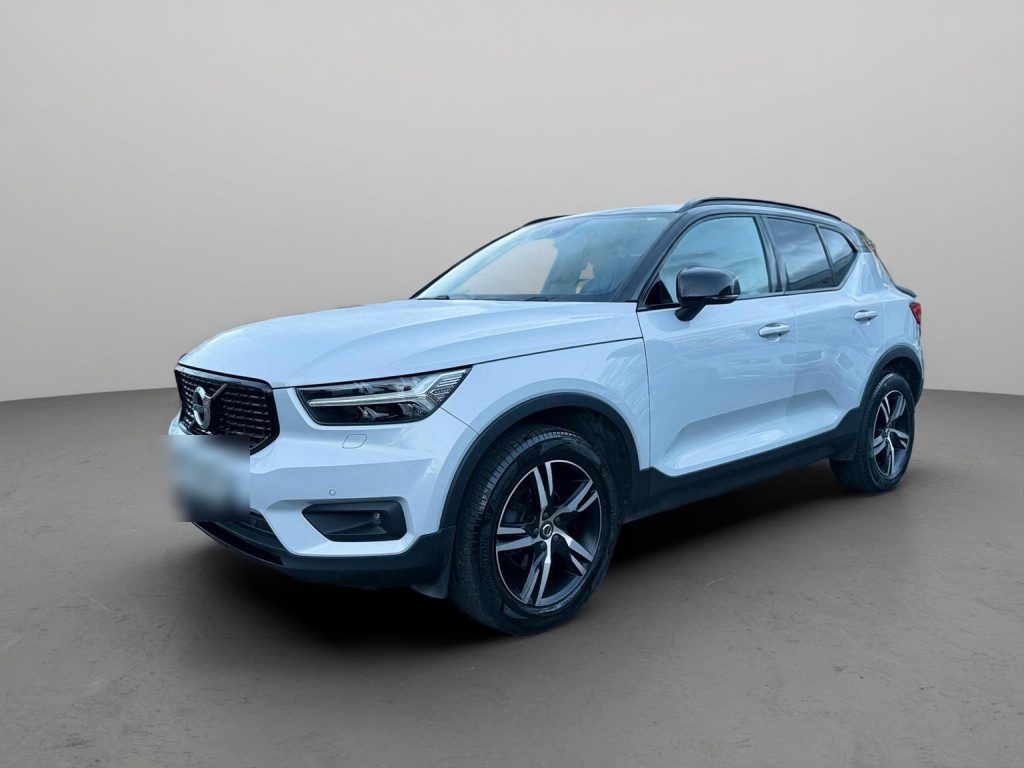
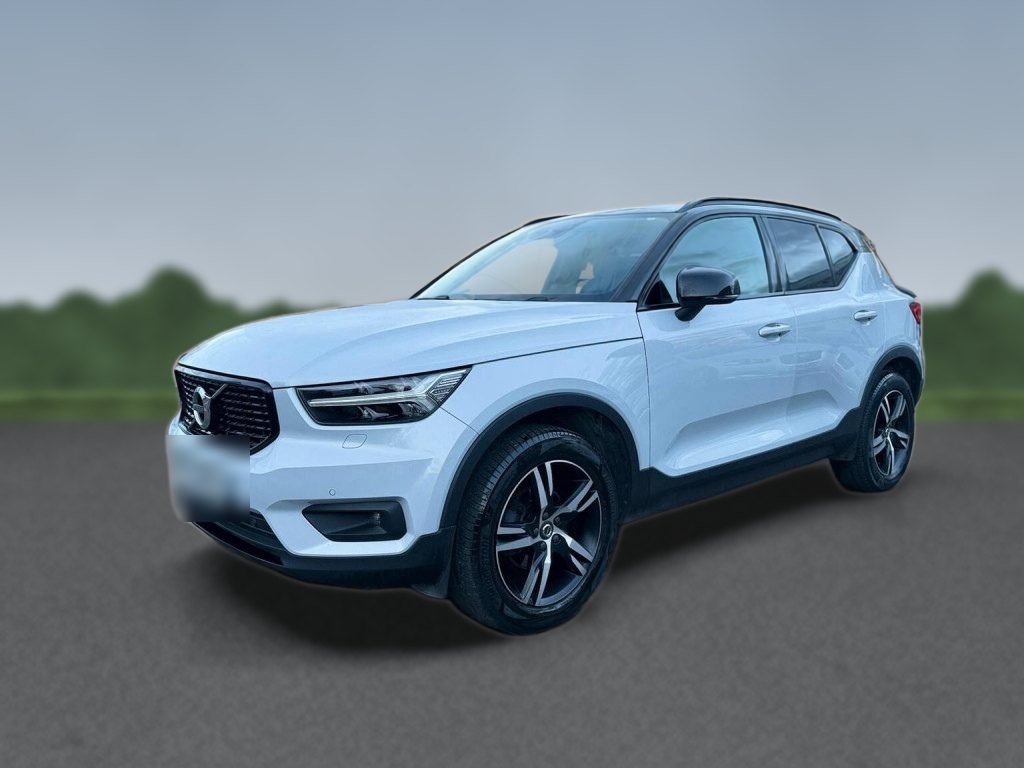
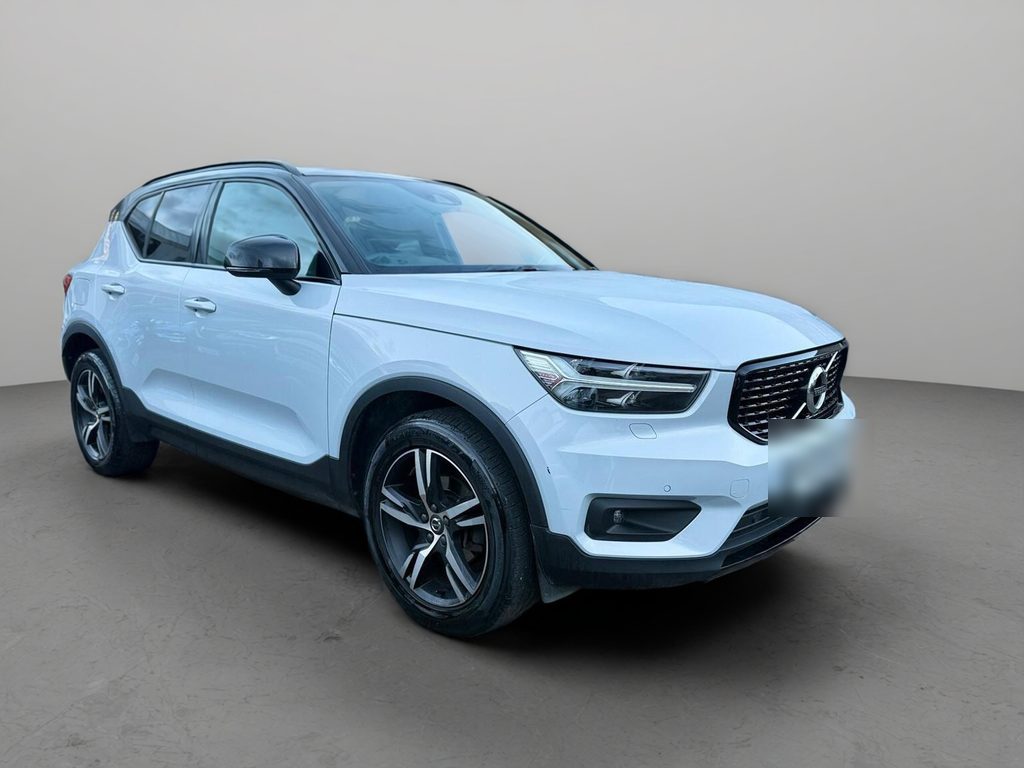
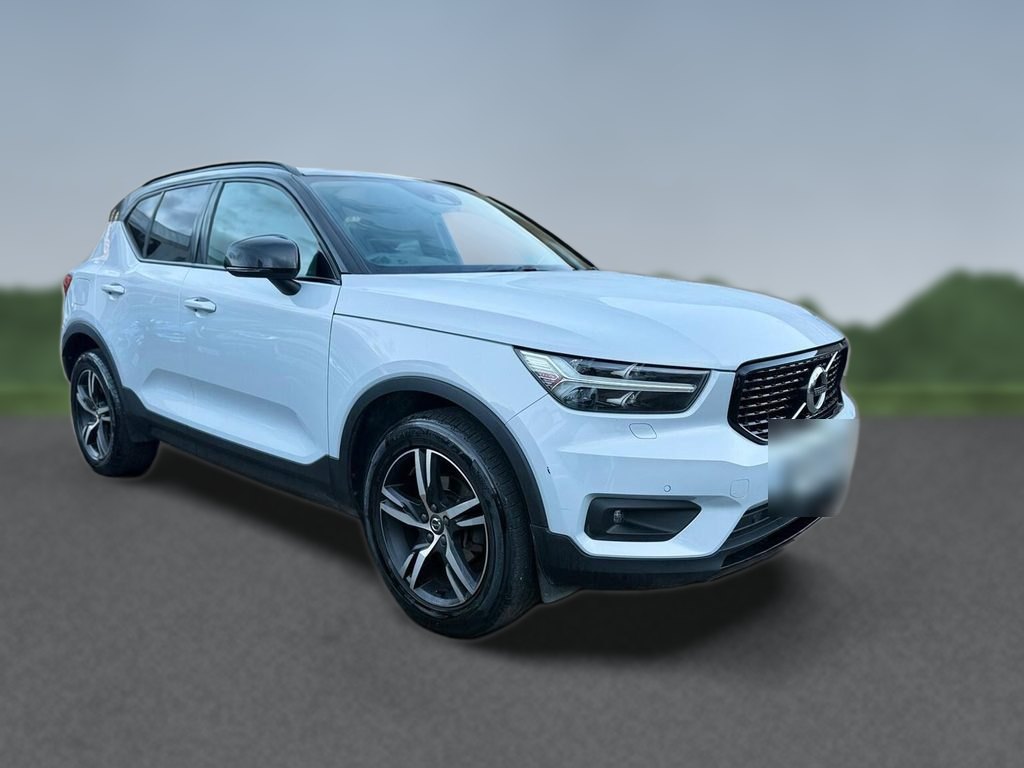
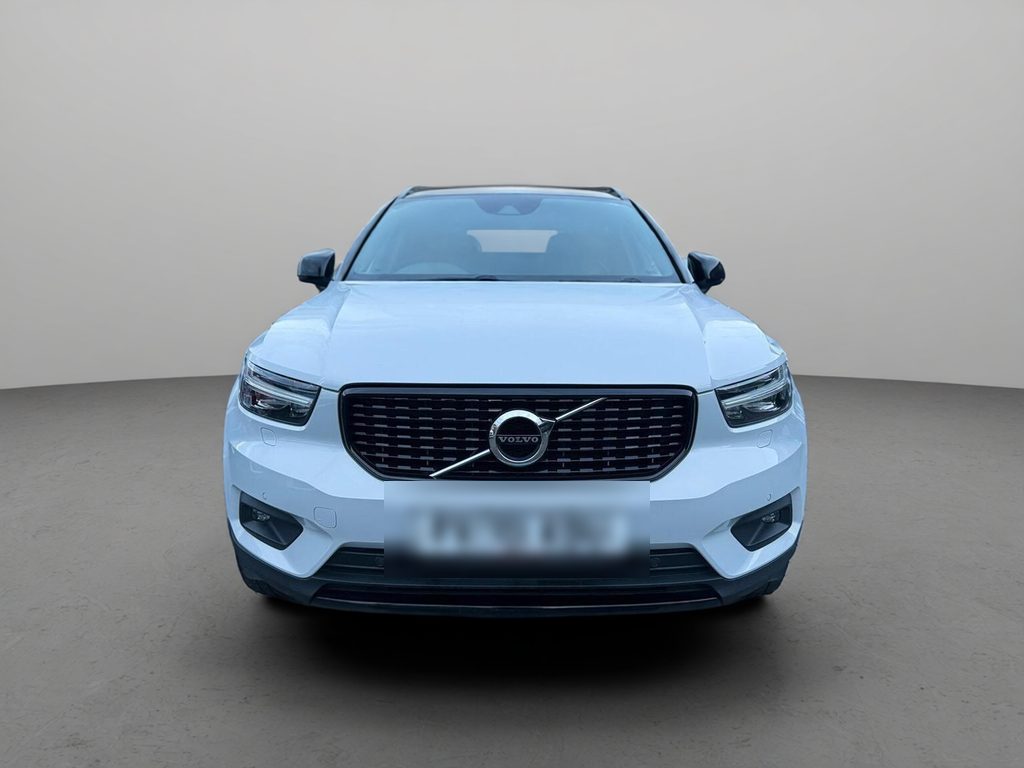
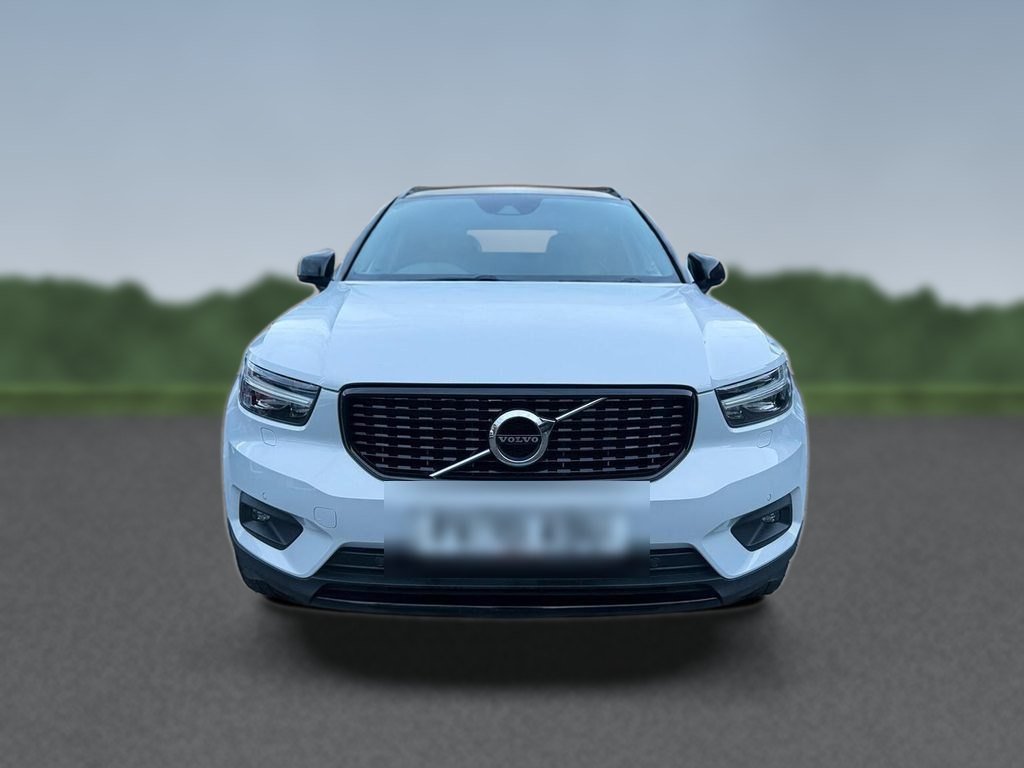
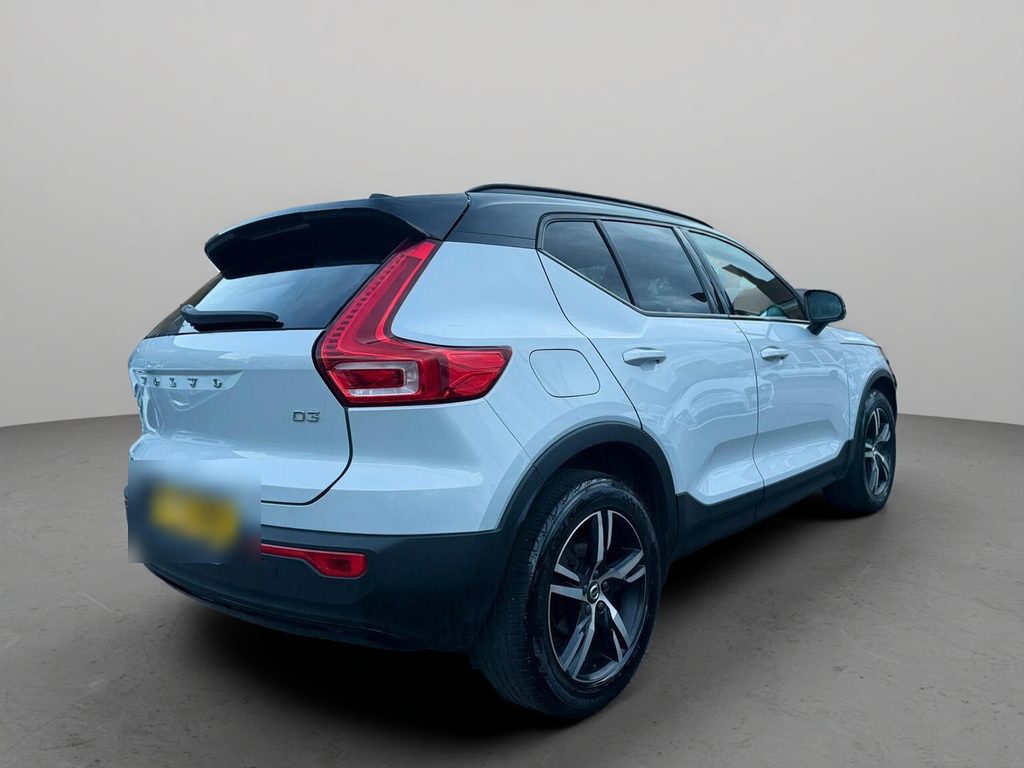
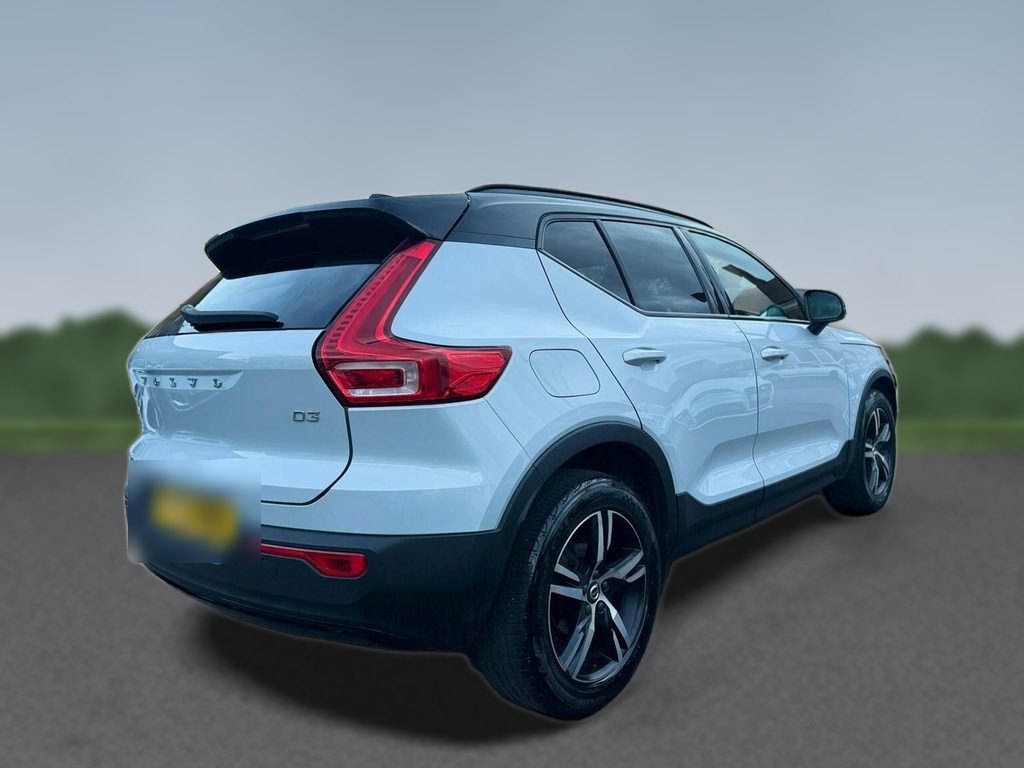
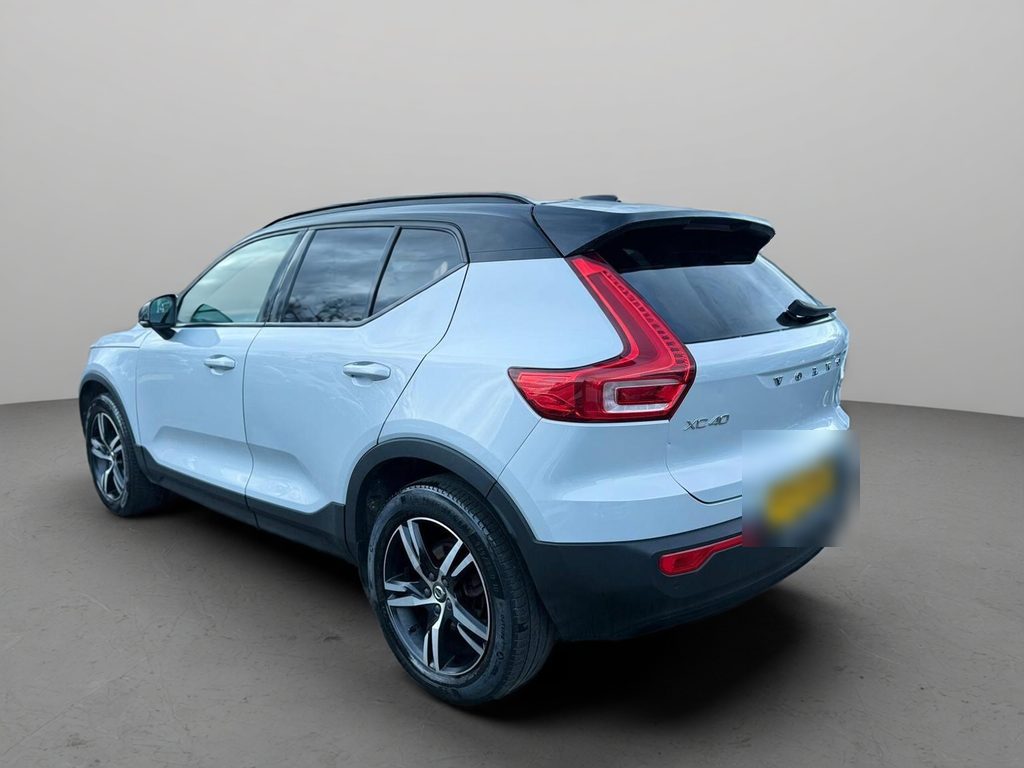
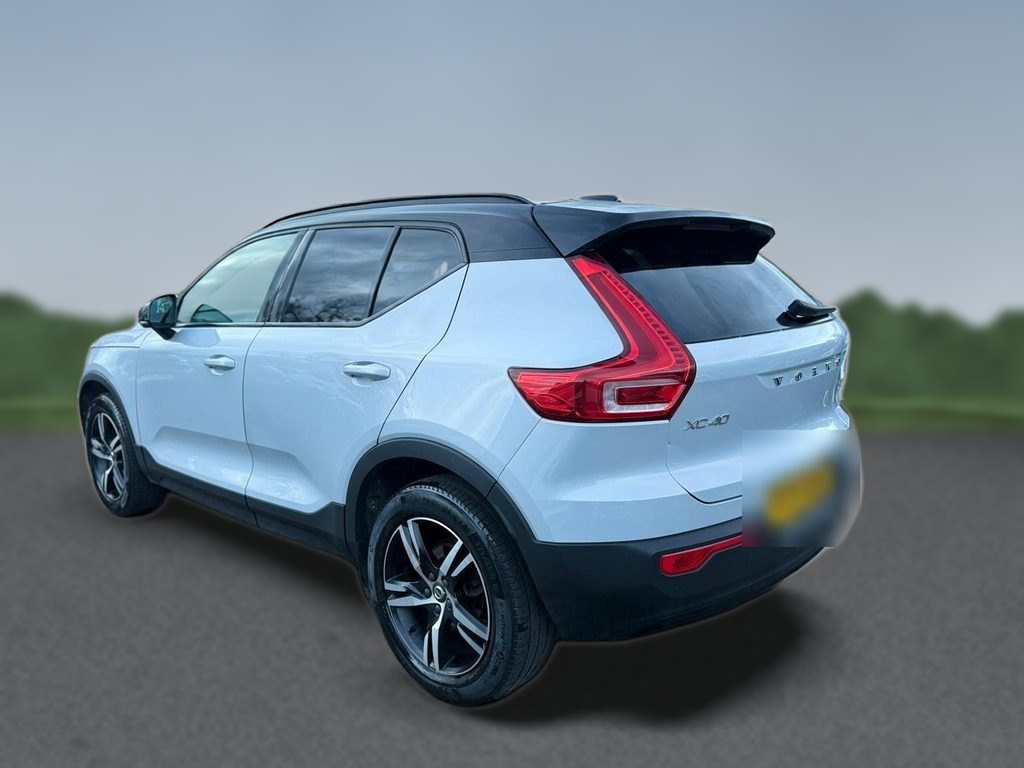
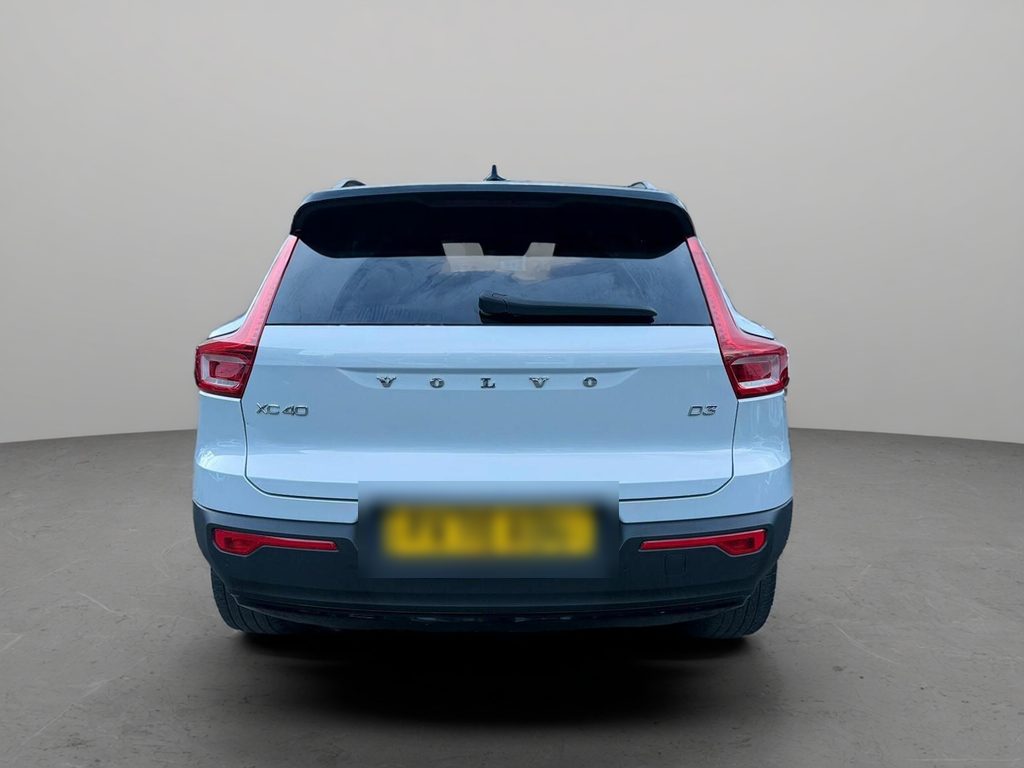
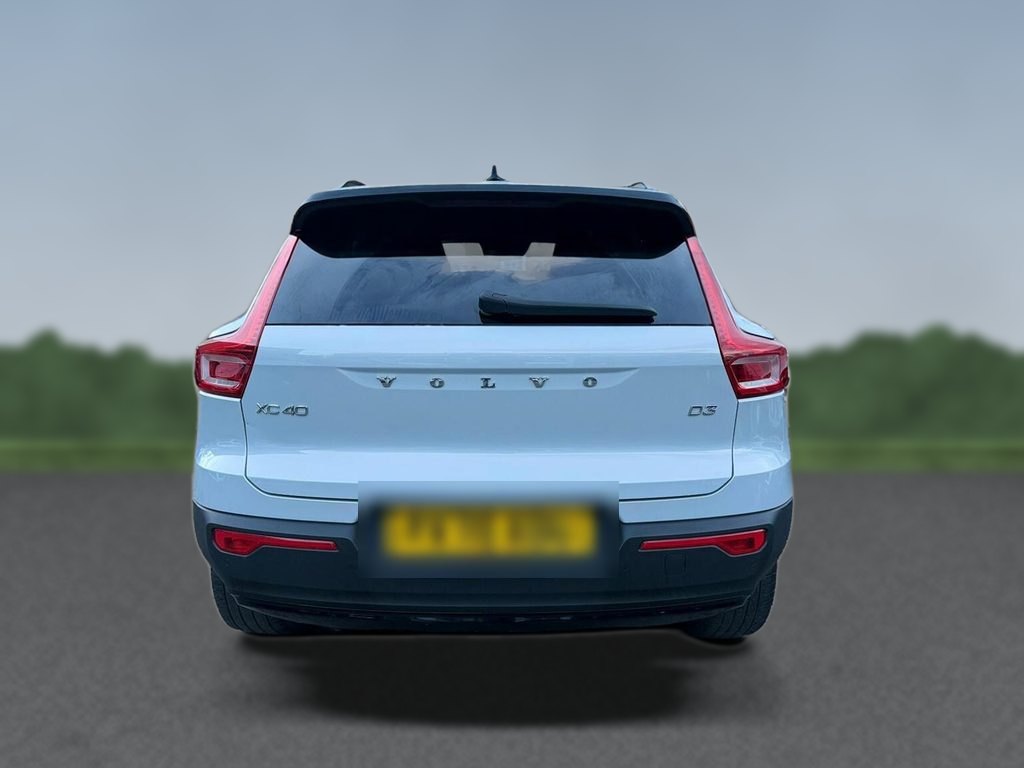
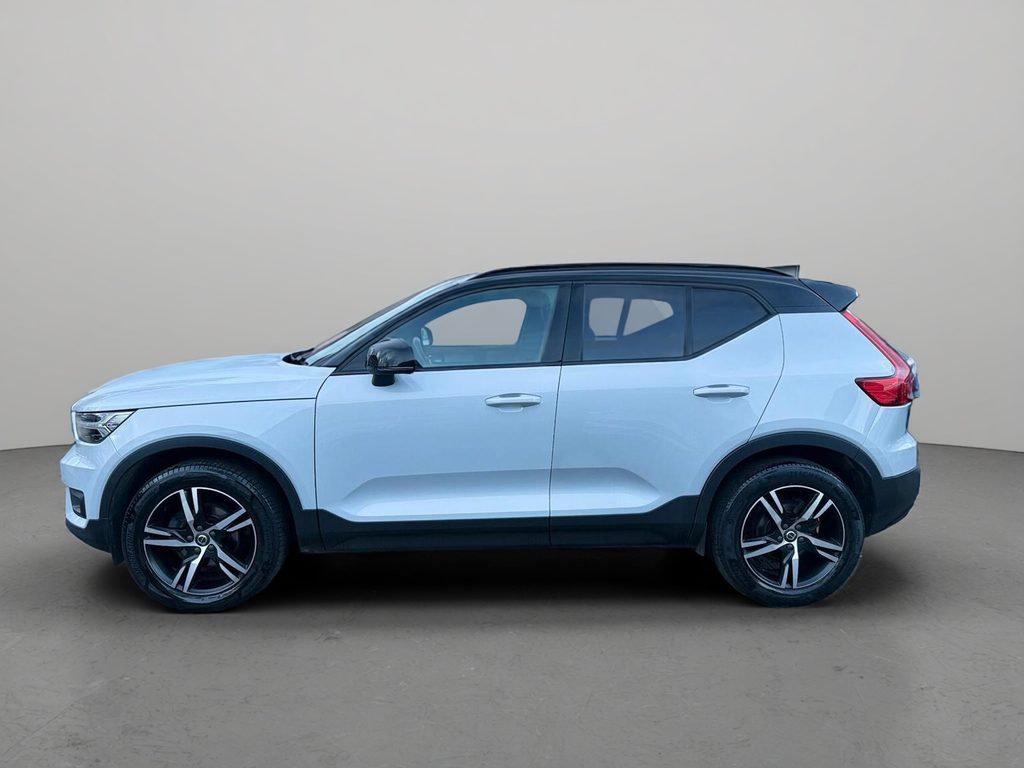
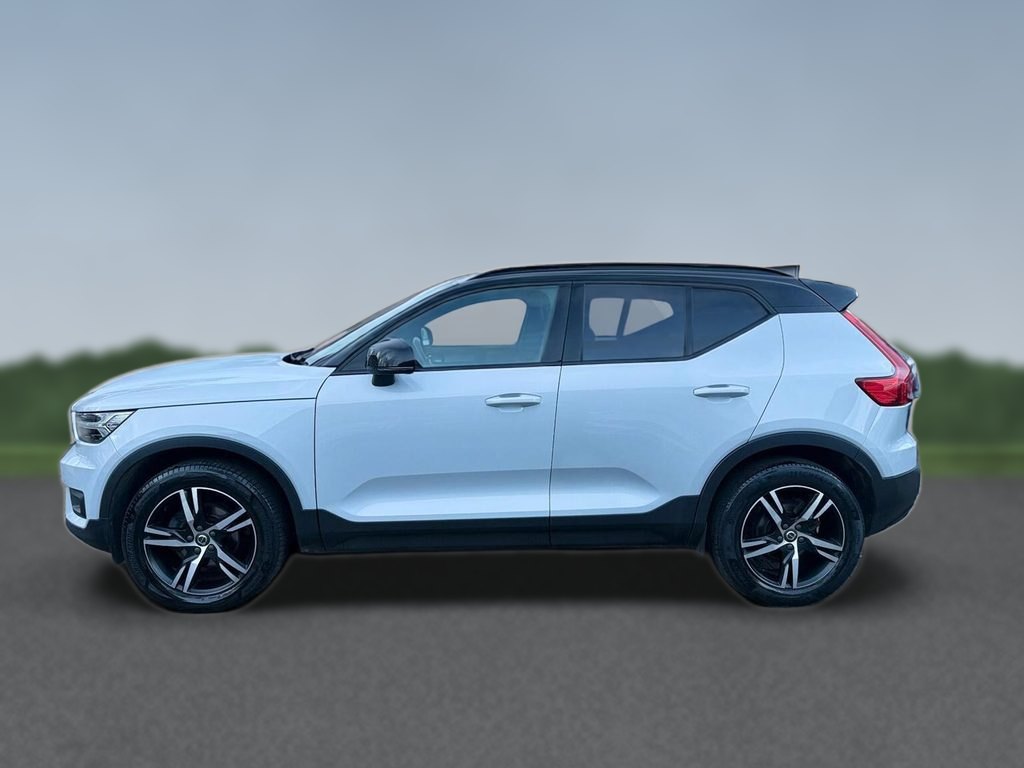
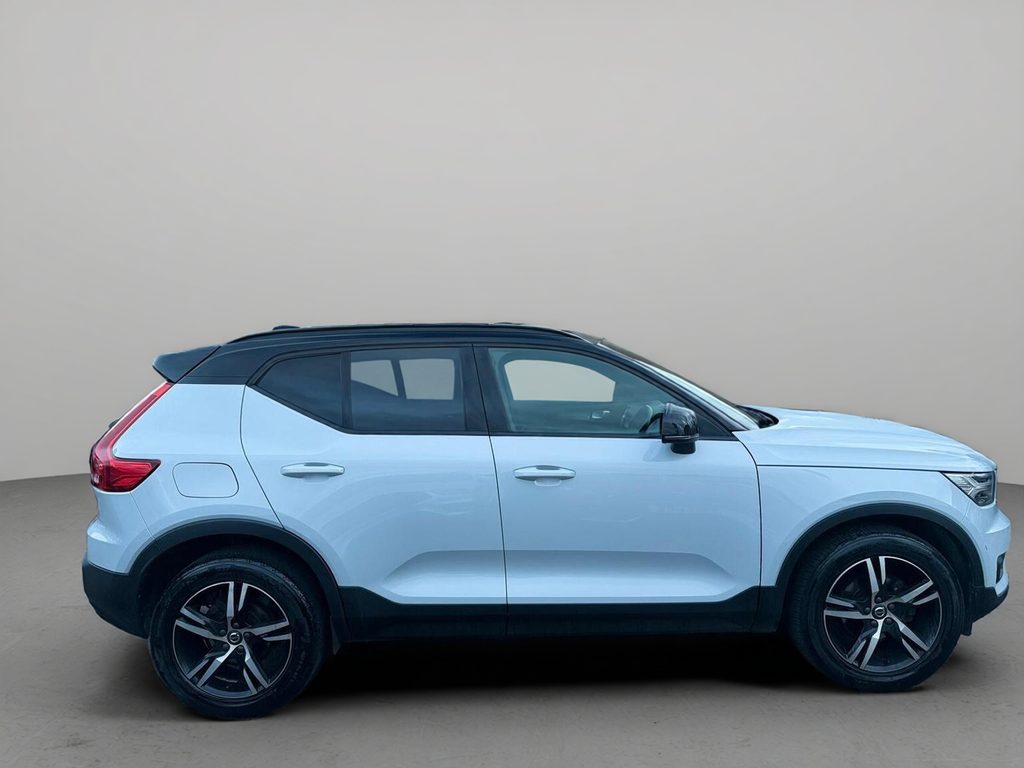
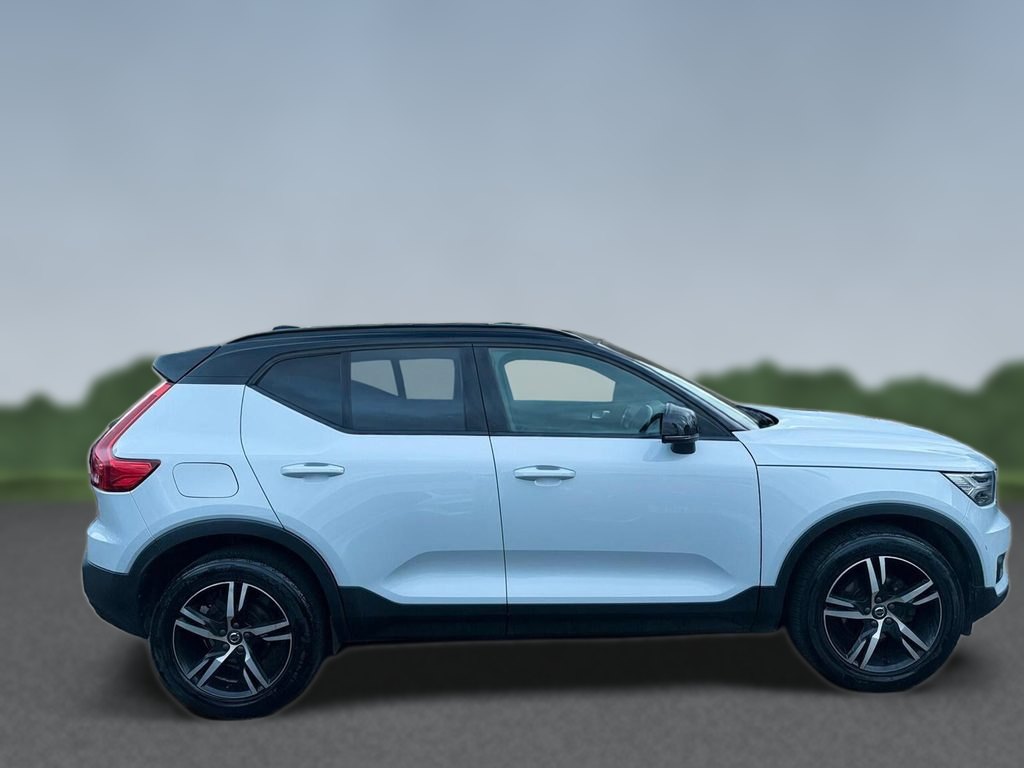
Drag the slider on each photo to compare. The background in each before photo has been replaced, and the number plates blurred, by MotifyMe® to protect the selling dealer's privacy. The vehicle itself has not been retouched.
How it works
Three steps from your normal photos to a finished listing set.
Take your photos
Photograph the vehicle as you normally would for your advert.
Autoshine processes them
The background is replaced with a studio-style setting. The vehicle itself is left exactly as it is. We are working with Autoshine to bring processing down to under 10 minutes.
List with confidence
Use the finished images, and a short 360-style video if you want one, on your adverts.
Honest by design
Better-looking adverts without misleading buyers.
The car is not retouched
Scratches, dents and wear still show. Buyers see the real car, which keeps your adverts accurate.
Consistent forecourt look
One clean setting across your stock makes your listings look like they belong together.
Video from the same images
Turn a set of photos into a short 360-style video of the vehicle.
Photo studio questions
Straight answers for dealers.
What is the MotifyMe photo studio?
It is a listing-photo service for UK dealers, provided by Autoshine. It replaces the background behind the vehicle with a clean studio-style setting, so every car on your forecourt can be shown in a consistent, professional way.
Does it retouch the car or hide damage?
No. The real vehicle is kept exactly as photographed, so scratches, dents and wear still show. Only the background is replaced. That keeps your adverts honest and avoids disputes at handover.
Can it make a video from my photos?
Yes. The same images can be turned into a short 360-style video of the vehicle.
Who provides the service?
The image processing is provided by Autoshine (autoshine.ai). MotifyMe introduces dealers to the service, and you sign up and work with Autoshine directly.
How long does processing take?
We are working with Autoshine to bring processing down to under 10 minutes. The exact turnaround will be confirmed when the service launches.
What does it cost?
Autoshine sets the price and will confirm it with you before you use the service.
How do I get started?
Use the Get started with Autoshine button below. It takes you to the Autoshine enquiry form, and they will be in touch to arrange a demo. If you are not on MotifyMe yet, you can advertise your stock first.
Try the photo studio
You will go straight to Autoshine, who run the service.
Get started with AutoshineAdvertise your stock on MotifyMe®
Photo processing is provided by Autoshine. MotifyMe® may receive a payment from Autoshine when dealers use the service. Images shown are examples.